Bills on WhatsApp
Send bills and reminders on WhatsApp
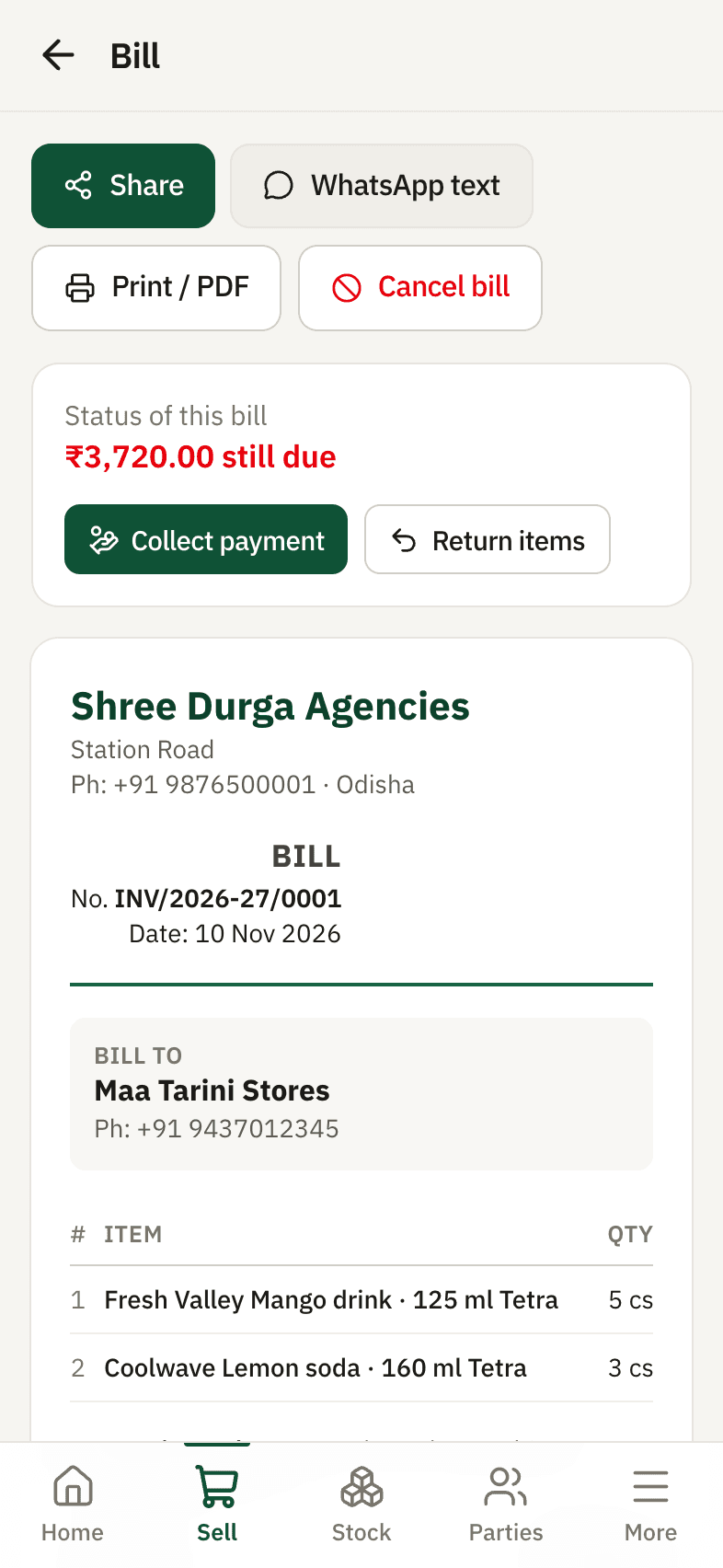
Every bill, payment receipt and customer statement in Munafa Book can be shared on WhatsApp as a clean picture in one tap, and printed or saved as PDF. Payment reminders are written for you in polite words.
The problem
Shops ask for bills on WhatsApp, but typing totals into chats or photographing paper bills looks careless and invites disputes.
How Munafa Book helps
Bill as a picture
A neat bill image with your business name, GSTIN, items and totals.
Statements
A customer's full account for any period, ready to share.
Polite reminders
A ready message with the amount due and the oldest bill date.
Print or PDF
Print on any printer or save as PDF from the same screen.
Example
After billing Shree Ganesh Traders, tap Share → WhatsApp. They get the bill picture instantly; their running balance is on it too.
Common questions
Read every answer
- Do I need WhatsApp Business?
- No. Sharing works with normal WhatsApp or any other app on your phone.
- Can the bill show my logo and GSTIN?
- Your business name, address, phone and GSTIN come from Settings and appear on every bill.
Tap a question
Related
Udhaar (credit) tracking
Know who owes you what, bill by bill. Credit limits, old dues, part payments and polite WhatsApp reminders - on your phone.Works on weak network
Install it from the browser like an app. It opens on a weak connection, keeps your half-made bill, and finishes saving when the network is back.Pricing
Free, Basic ₹249 and Pro ₹499 a month
Try it with your own stock and customers
14 days of every feature free. Your data stays yours - download it any time.